
October release: the hunt for ghost tasks is on
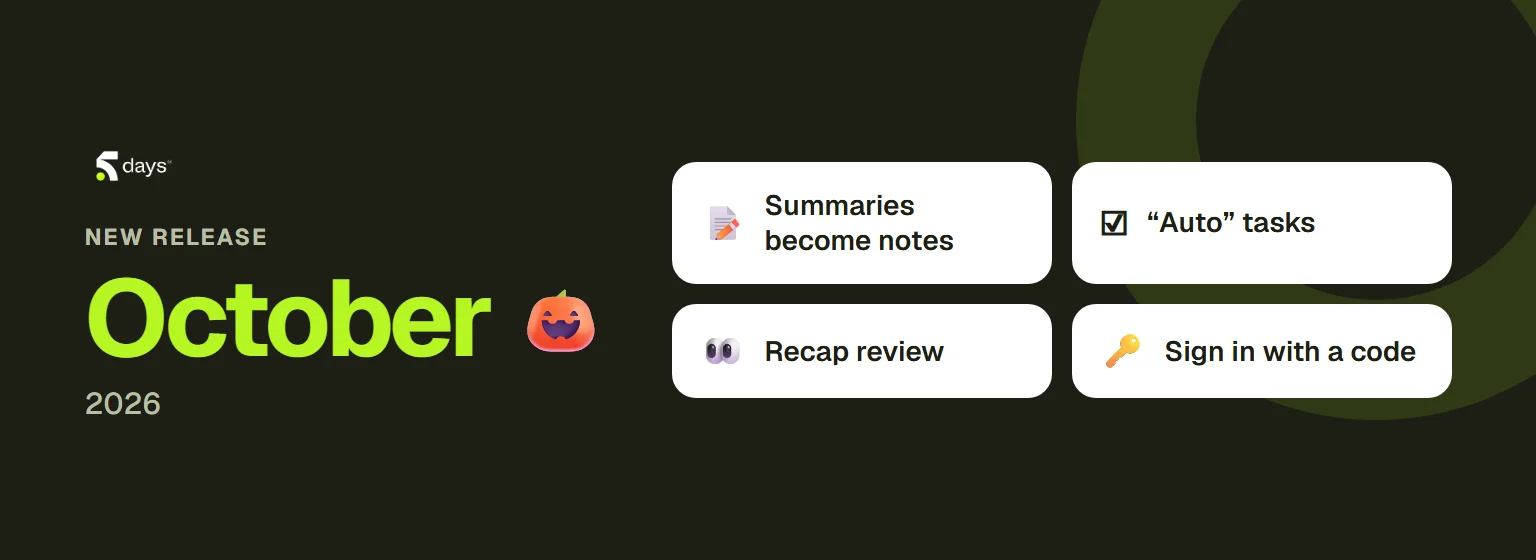
We shipped this release on 29 October, two days before Halloween. Its quarry: ghost tasks, the commitments made in a meeting that nobody can find afterwards. Spark AI now turns them into real tasks, your projects fill themselves, and the free plan welcomes your whole team.
After the meeting, Spark AI follows through
The summary becomes a real note. The meeting summary is now a note like any other: you can edit it, share it and find it alongside your other notes.
Commitments become tasks, and people are told. Tasks that Spark AI creates after a meeting carry an “Auto” badge, so you know where they came from. An hour after the meeting, each person receives an email listing the commitments Spark AI noted for them.
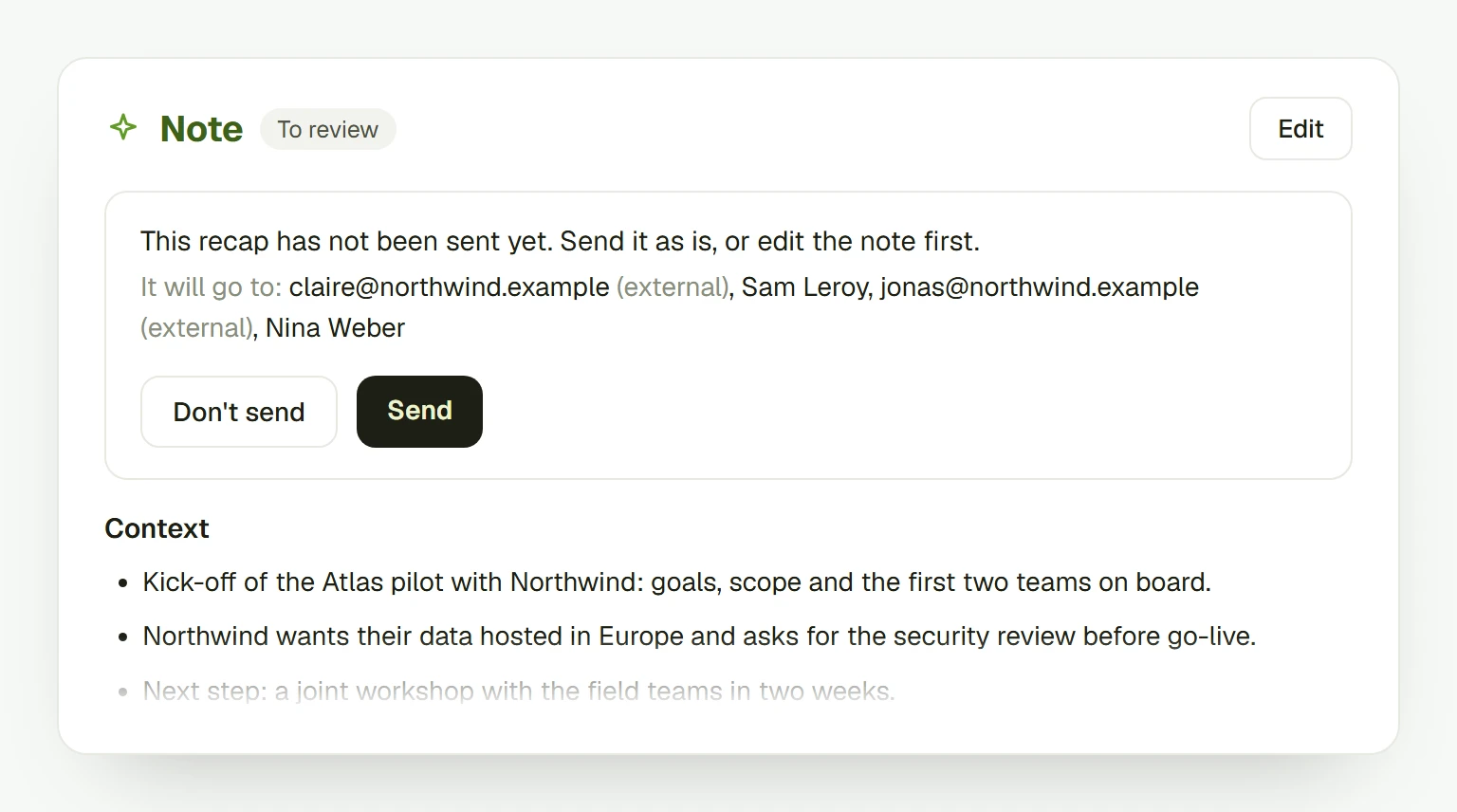
You review the recap before it goes out. When the recap is sent to people outside your company, the owner of the recording bot reviews it first. You choose in your preferences: always, only with external participants, or never.
Projects that fill themselves
- Recurring meetings: link a recurring meeting to a project once, for the whole series. Every upcoming occurrence lands directly in the project.
- Participants: add people straight from the project overview. You can even paste a list of addresses copied from Outlook.
- Kanban: archive a column you no longer need.
- Reassigned tasks: when a task changes hands, the new owner gets an email.
Smoother, every day
- Sign in with a code. The sign-in email now also contains a code to type, alongside the magic link. Handy when the link opens in another browser.
- Spark AI on a recording opens in the sidebar, with its own page, instead of a pop-up window.
- Importing a recording no longer keeps you waiting: the window closes straight away, and a card shows the upload, then the transcription, as they progress.
- Invitations say who is inviting you and to which company. An expired link explains why and suggests what to do next.
- Onboarding starts with your language, is fully translated, and loads faster.
The free plan, for the whole team
The free Starter plan is no longer limited to three members. It now comes with 120 transcription minutes a month for the whole company.
Under the hood: tighter security
Some changes don’t show, but they matter. This release strengthens security across the whole platform: every piece of data stays visible only to the people who should see it.
That’s what 5DAYS is for: one system for teams who decide, document and deliver, and who can trust what’s inside.